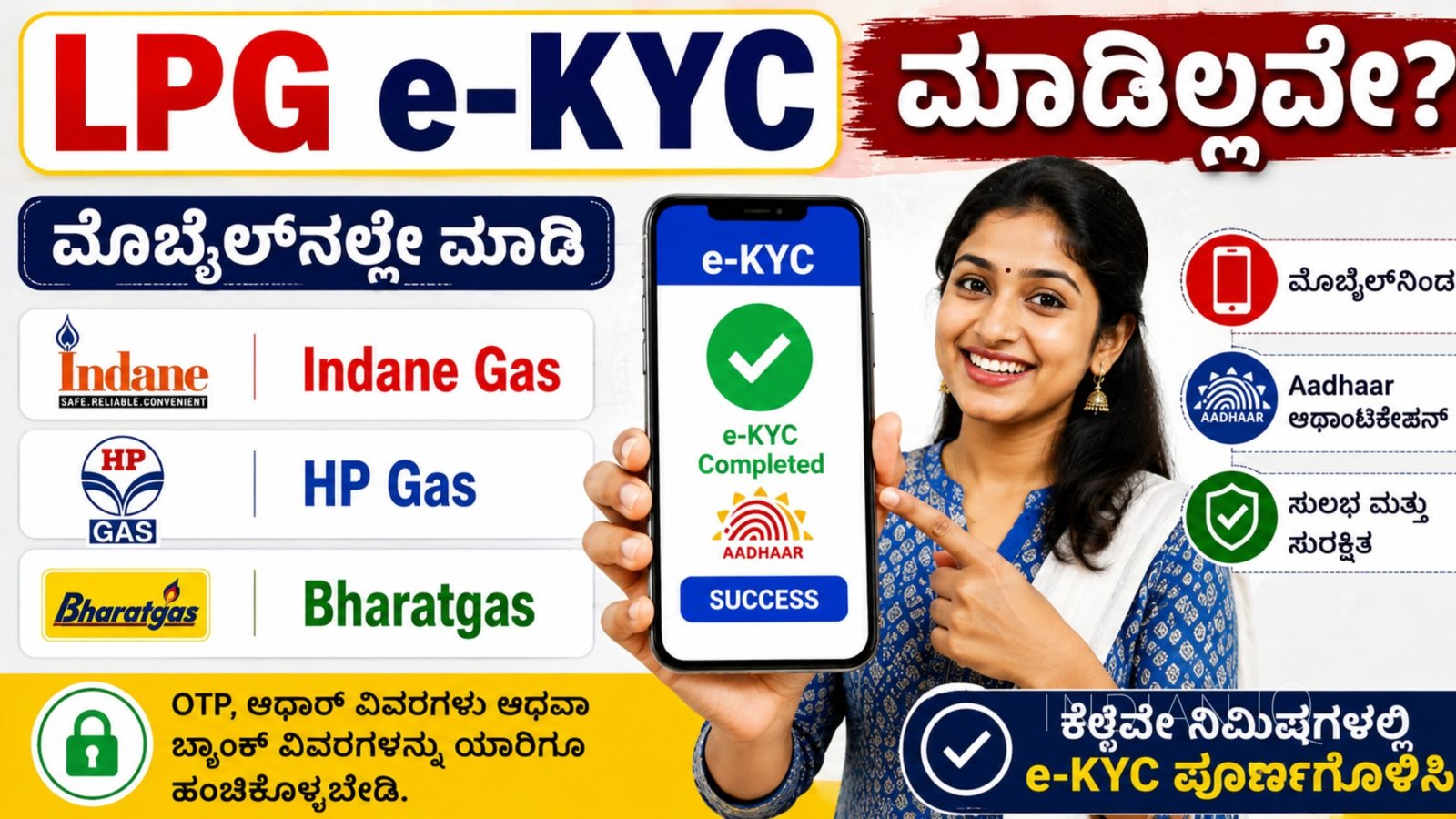
If you have not completed your LPG e-KYC yet, you can check and complete the process using your mobile phone. Indane, HP Gas and Bharatgas customers can access LPG-related KYC and Aadhaar authentication services through their respective official apps and online platforms.
Indane Gas e-KYC
Indane customers can use the IndianOil ONE app.
- Open the official IndianOil ONE app.
- Log in using your registered mobile number or LPG Consumer Number.
- Go to the LPG services section.
- Select the available e-KYC/Aadhaar Authentication option.
- Enter the required details and complete Aadhaar authentication.
- If Face Authentication is requested, complete the face scan using your phone camera.
- Check the status after successful verification.
HP Gas e-KYC
HP Gas customers can use the HP PAY app.
- Open the HP PAY app and log in with your registered mobile number.
- Select your LPG/HP Gas account.
- Look for the e-KYC/Aadhaar Authentication option.
- Follow the instructions shown on the screen.
- Complete Face Authentication if required.
- Verify your e-KYC status after completion.
Bharatgas e-KYC
Bharatgas customers can use the official Bharatgas app or online portal.
- Open the official Bharatgas app.
- Log in using your registered mobile number.
- Go to your LPG account or KYC services.
- Select Aadhaar Authentication/e-KYC if the option is available.
- Complete the verification process.
- Check your KYC status once the process is finished.
What You Need
- LPG Consumer Number/Consumer ID
- Registered mobile number
- Aadhaar card
- Smartphone with camera
- Internet connection
- Required app permissions
If your registered mobile number is different or the e-KYC option is not available, contact your LPG distributor for assistance.
Important
Use only the official LPG company apps and websites for e-KYC. Do not share your OTP, Aadhaar information, bank details or other personal information with unknown persons.
Important Links
| Indian Gas App Link | Download Now |
| Bharat Gas App Link | Download Now |
| HP Gas App Link | Download Now |
| Aadhar face RD App Link | Download Now |
The exact menu names and verification steps may vary depending on the latest app update and your LPG account status. Follow the instructions displayed in the official app during the process.